

Unkey Deploy is currently in private beta. To get access, reach out on
Discord or email
support@unkey.com.
From push to live
Every deployment follows the same steps, whether triggered by a GitHub push, the CLI, or the dashboard.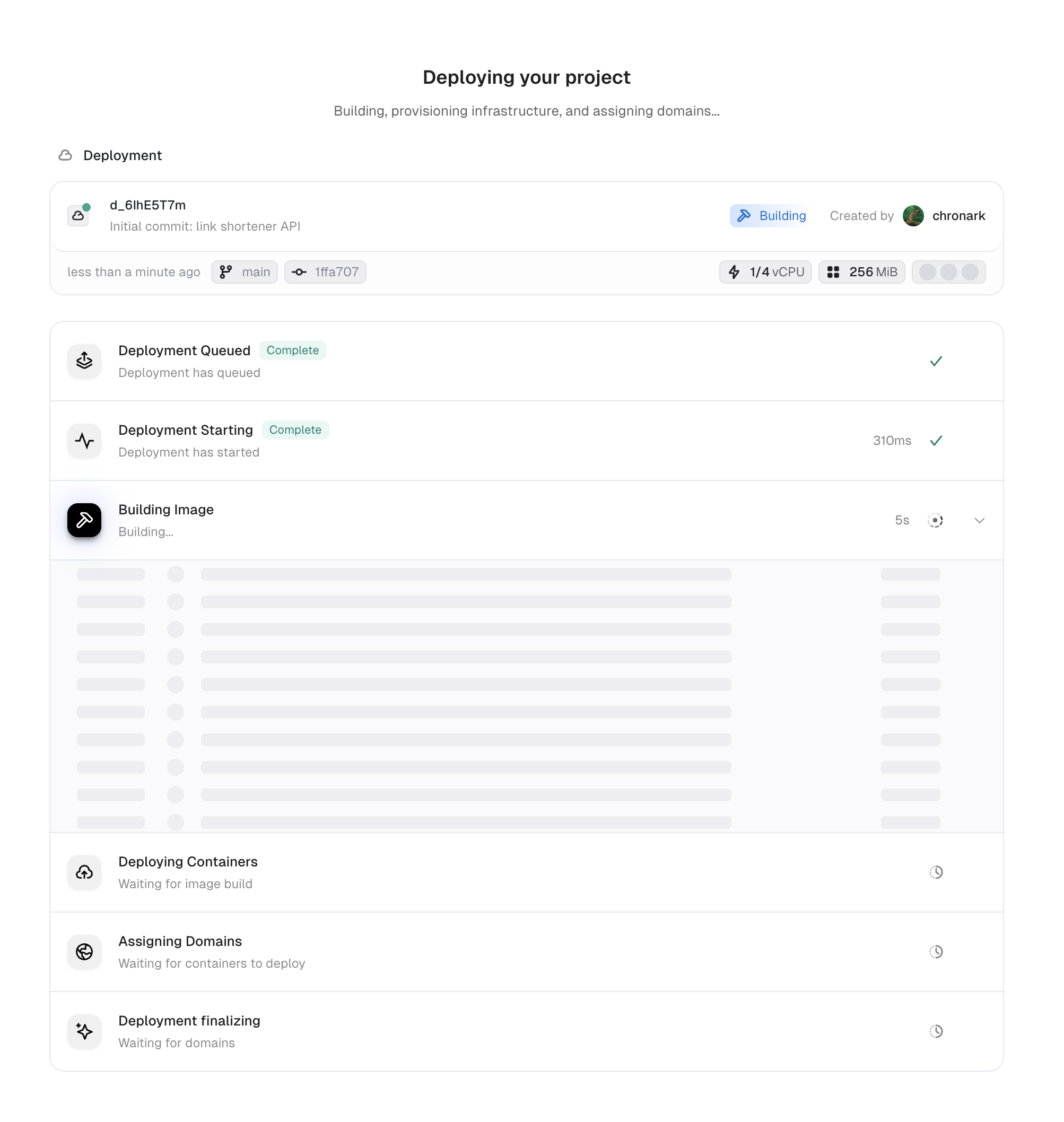
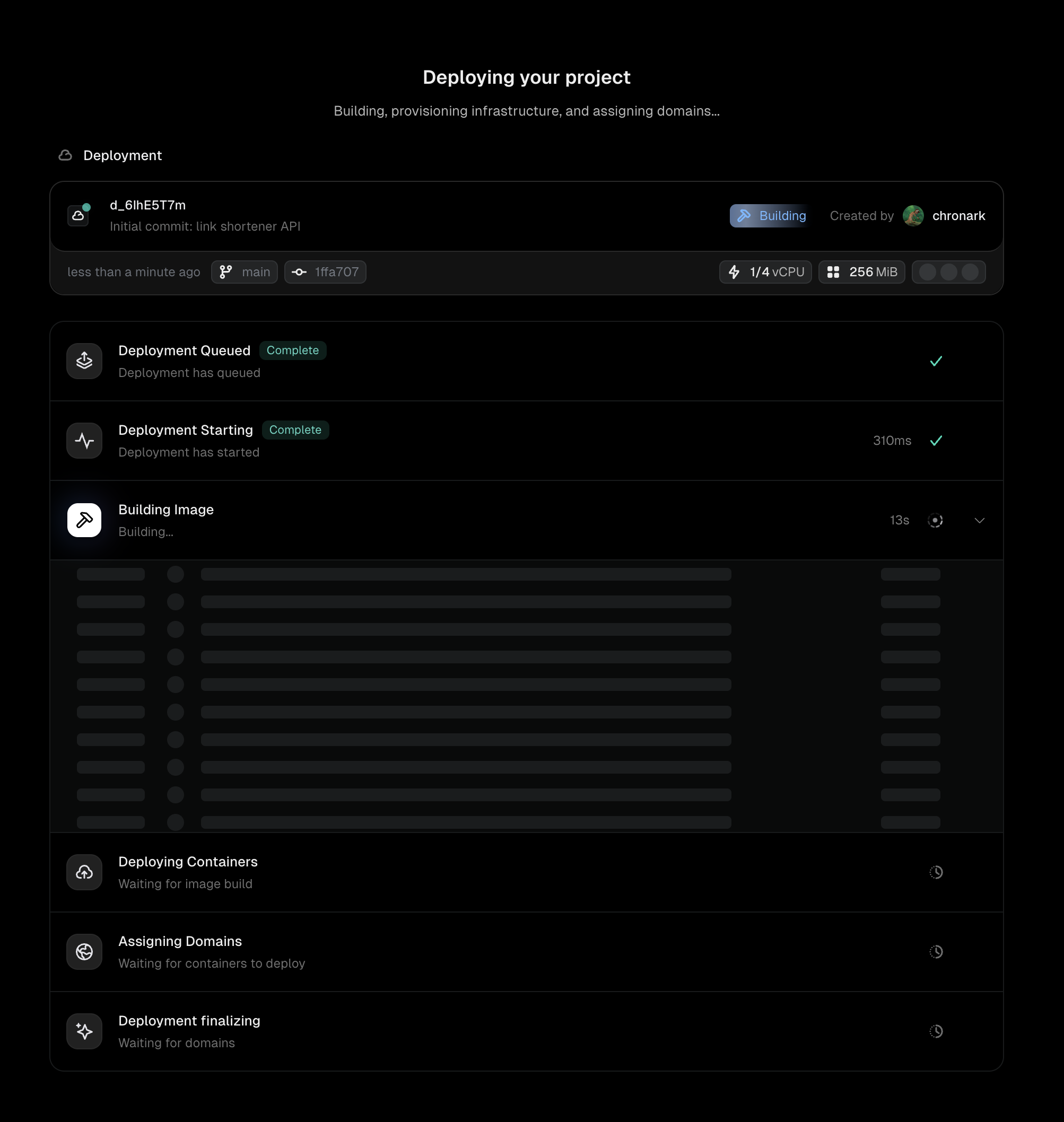
Event received
Unkey receives a trigger: a GitHub webhook from a push, a CLI
unkey deploy command, or a manual deployment from the dashboard. The deployment record is created with status Pending.Queued
The deployment enters the build queue. Unkey allocates build capacity and prepares to fetch your source code. If you deployed a pre-built image via the CLI, this step is skipped.
Building image
Unkey fetches your source code from GitHub (using the commit SHA from the push) and runs
docker build with your Dockerfile on remote build infrastructure. Build logs stream to the Deployments tab in real time.If the build fails (missing dependencies, Dockerfile errors), the deployment moves to Failed and stops here.Deploying containers
The built image is scheduled across your configured regions. Unkey creates the requested number of instances in each region and waits for them to start.If you configured a health check, Unkey sends requests to your health endpoint and waits for healthy responses before proceeding.
Assigning domains
Unkey generates domains for the deployment:
- Commit domain: a permanent URL tied to this specific commit
- Branch domain: points to the latest deployment from this branch
- Environment domain: points to the latest deployment in this environment
- Live domain (production only): points to the current live deployment
Finalizing
Routes are configured and traffic begins flowing to the new deployment. The deployment status moves to Ready.The previous deployment stays running as part of instant rollbacks, giving you a window to roll back instantly if needed.
Instant rollbacks
When a new production deployment goes live, the previous deployment isn’t torn down immediately. It stays running so you can roll back instantly if something goes wrong. No rebuild, no container startup, just an immediate domain reassignment back to the known-good version. The previous deployment stays running for 30 minutes after a new version takes over. During this window, Unkey reassigns the domains and traffic switches over in seconds. Since the previous deployment is no longer receiving traffic, it will scale down according to your autoscaling rules to the configured minimum. After 30 minutes, the previous deployment spins down entirely. Rolling back to it is still possible after that, but takes longer because the containers need to start up again.Preview idle scaling
Preview deployments stay running as long as they receive traffic. A preview deployment only spins down after six consecutive hours with zero requests. This keeps costs low for branches that are no longer being actively reviewed.Troubleshoot failed deployments
When a deployment fails, check the build and runtime logs in the Deployments tab. Common causes:- Dockerfile syntax errors or missing dependencies during the build step
- Application crash on startup (check the runtime logs)
- Health check failures if your app doesn’t respond on the configured port
Next steps
Rollbacks & promotions
Revert to a previous deployment or promote a specific version
Builds
How Unkey builds your container images